1 / 15
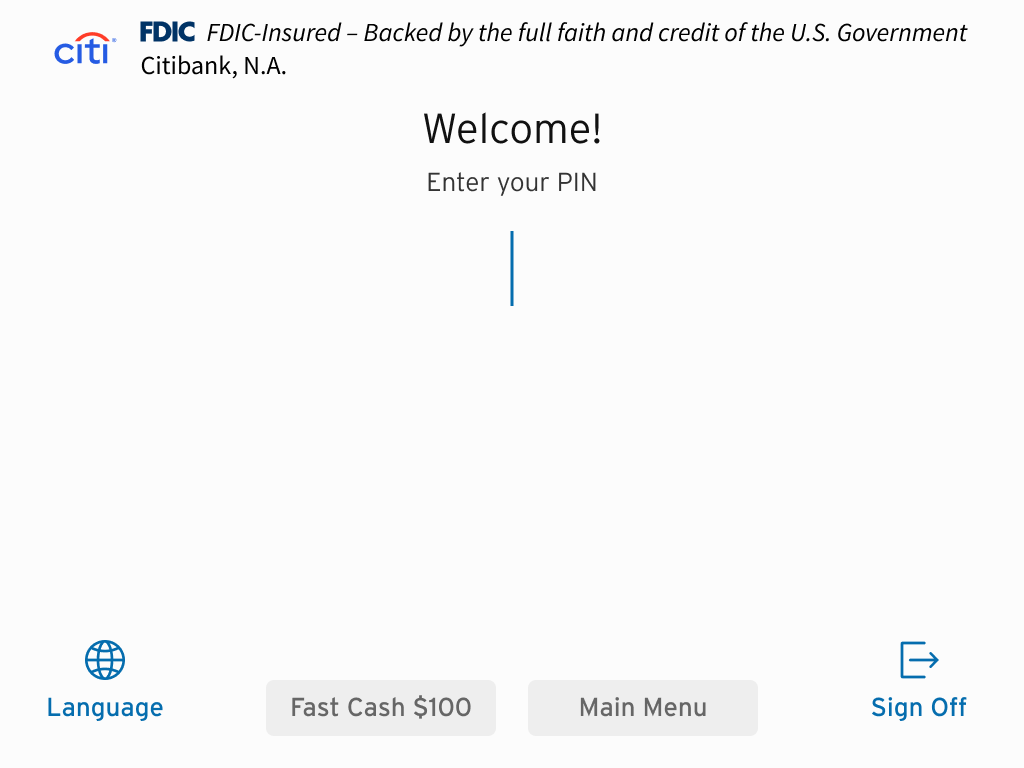
PIN entry screen.
2 / 15
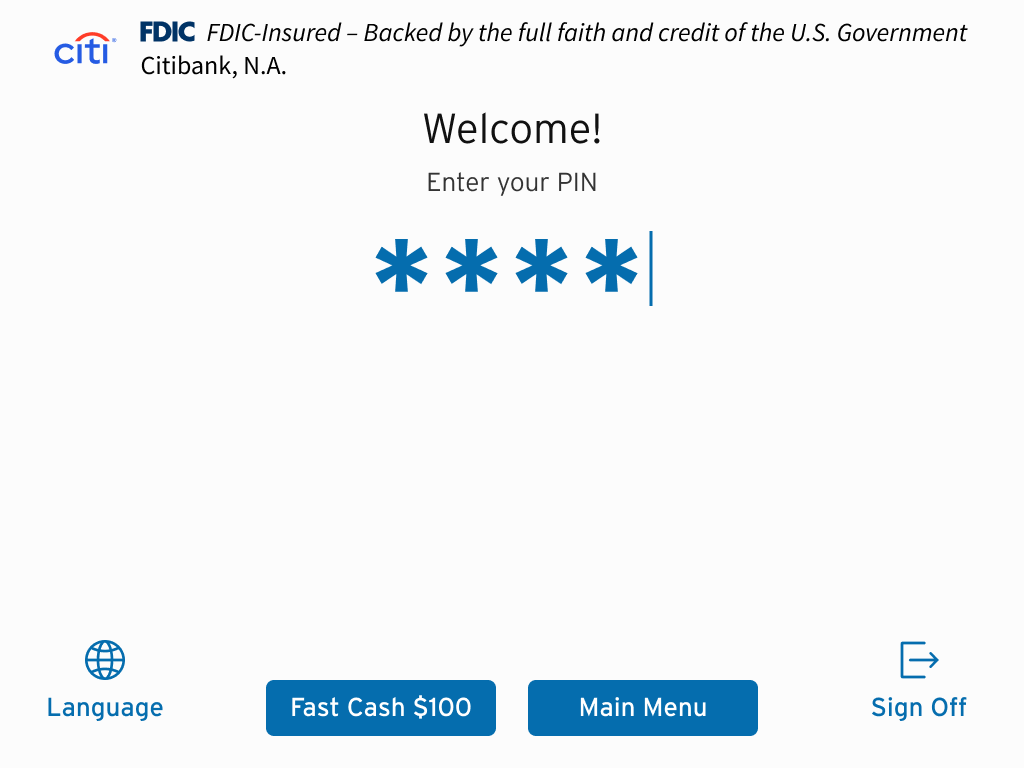
Customer enters PIN.
3 / 15
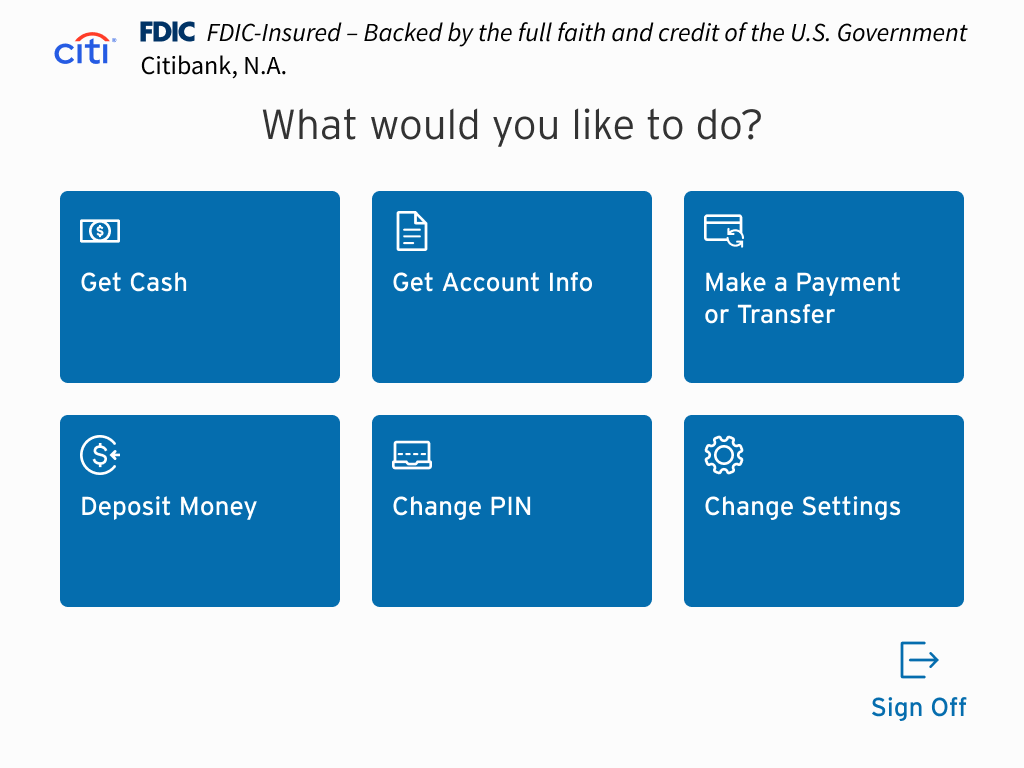
Main menu. Customer selects "Deposit Money".
4 / 15
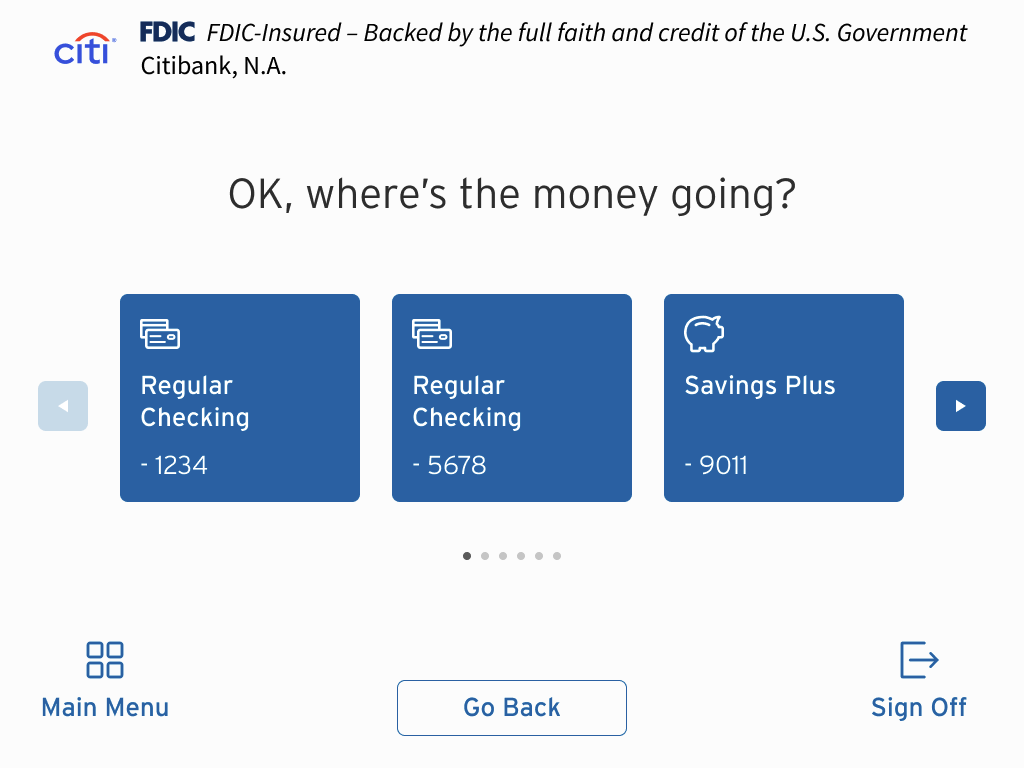
Customer selects which account to deposit to.
5 / 15
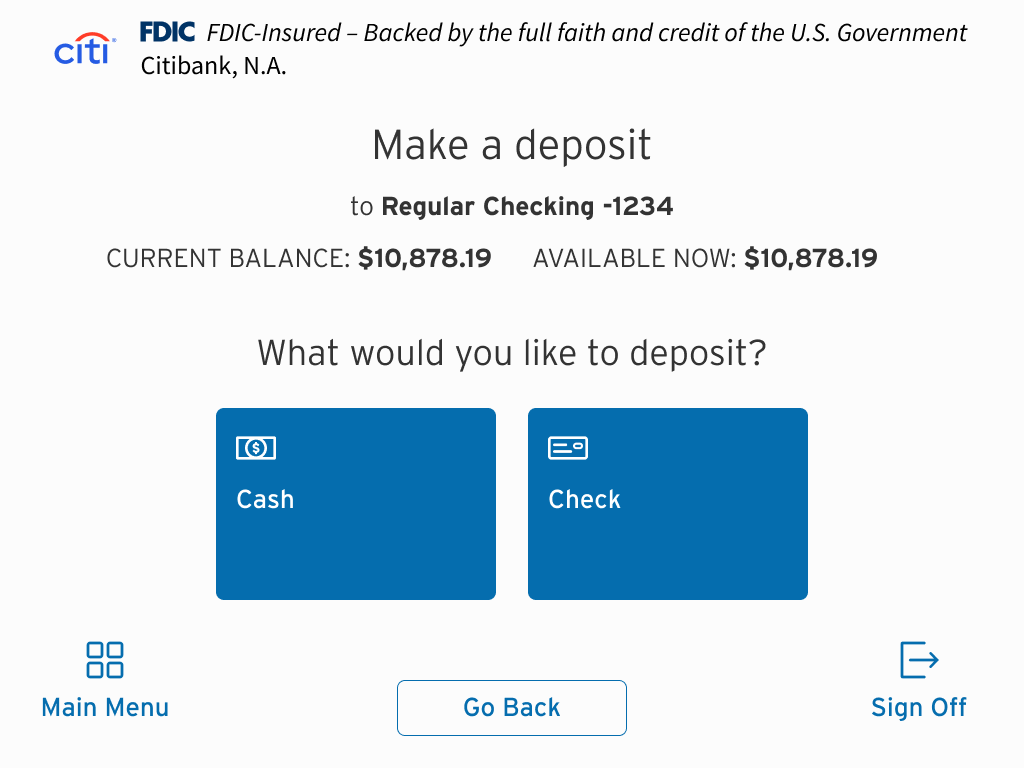
With the account chosen, the customer selects whether to deposit cash or checks. In this case, the user selects "Check".
6 / 15
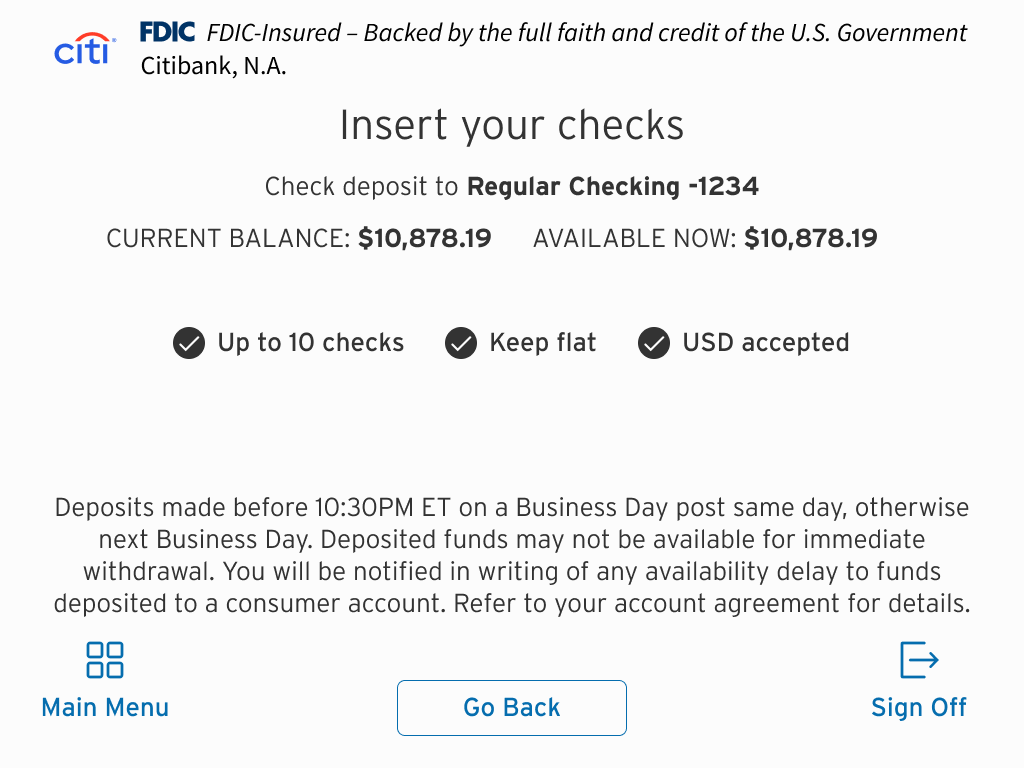
Check deposit confirmation. The customer is shown their current account balance and given depositing instructions.
7 / 15
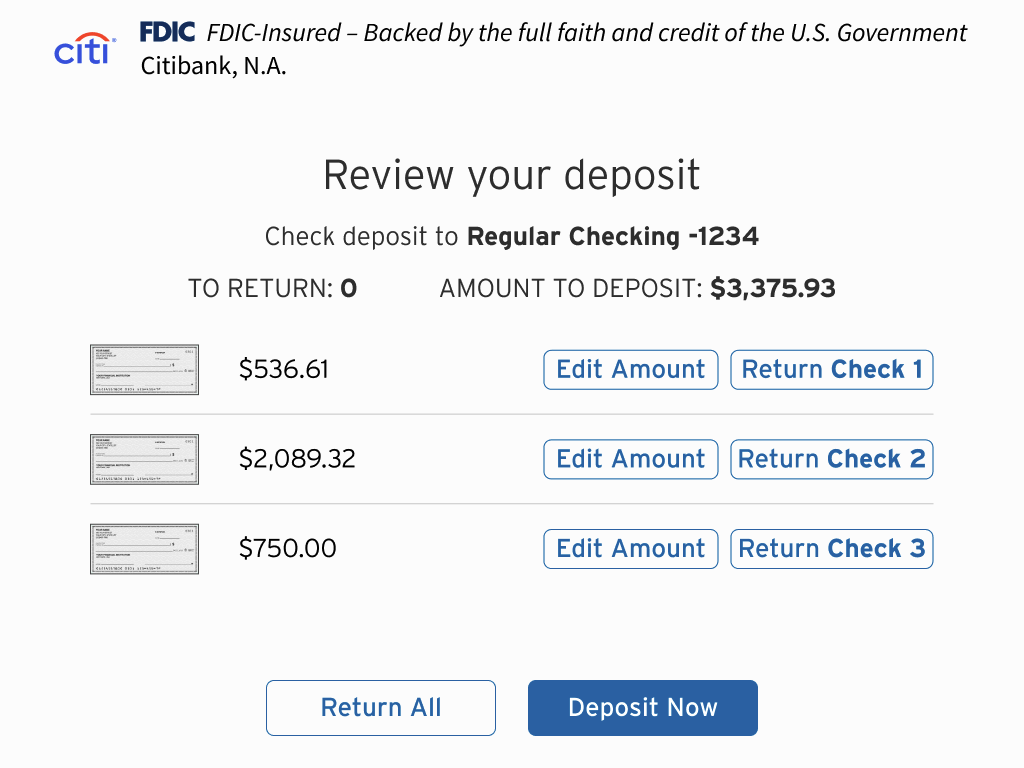
The customer can review deposit, return checks and cancel, or manually edit check amounts. In this case, they notice a discrepancy in Check 3.
8 / 15
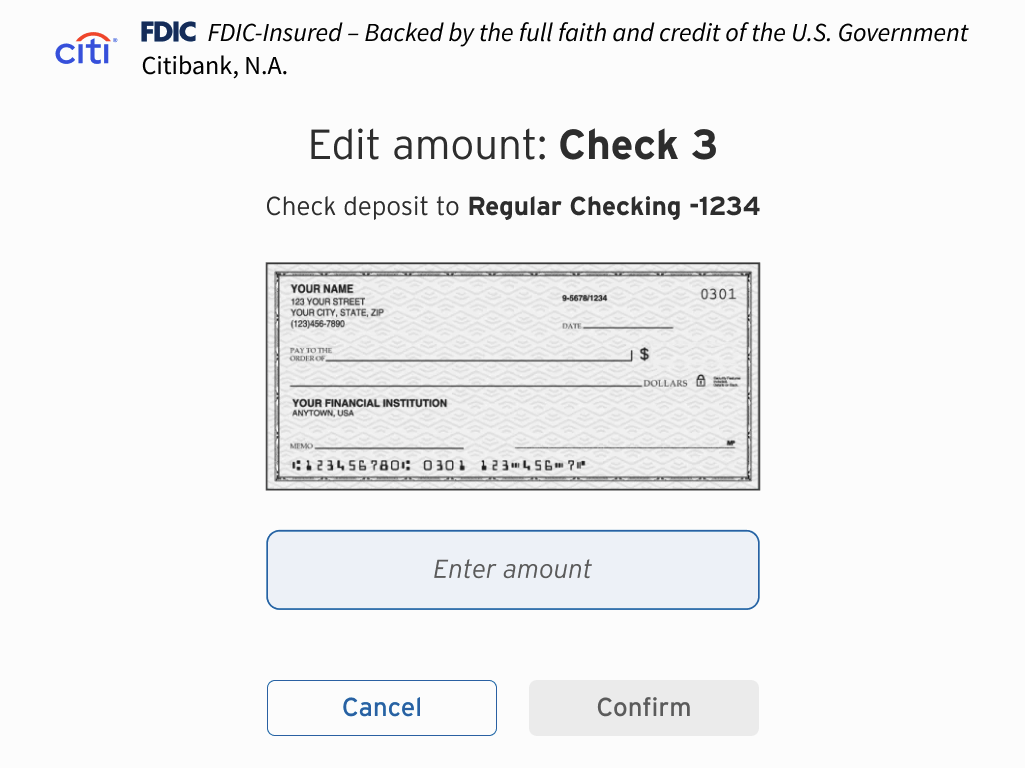
The ATM misread the handwriting on Check 3. The customer must manually enter the correct amount...
9 / 15
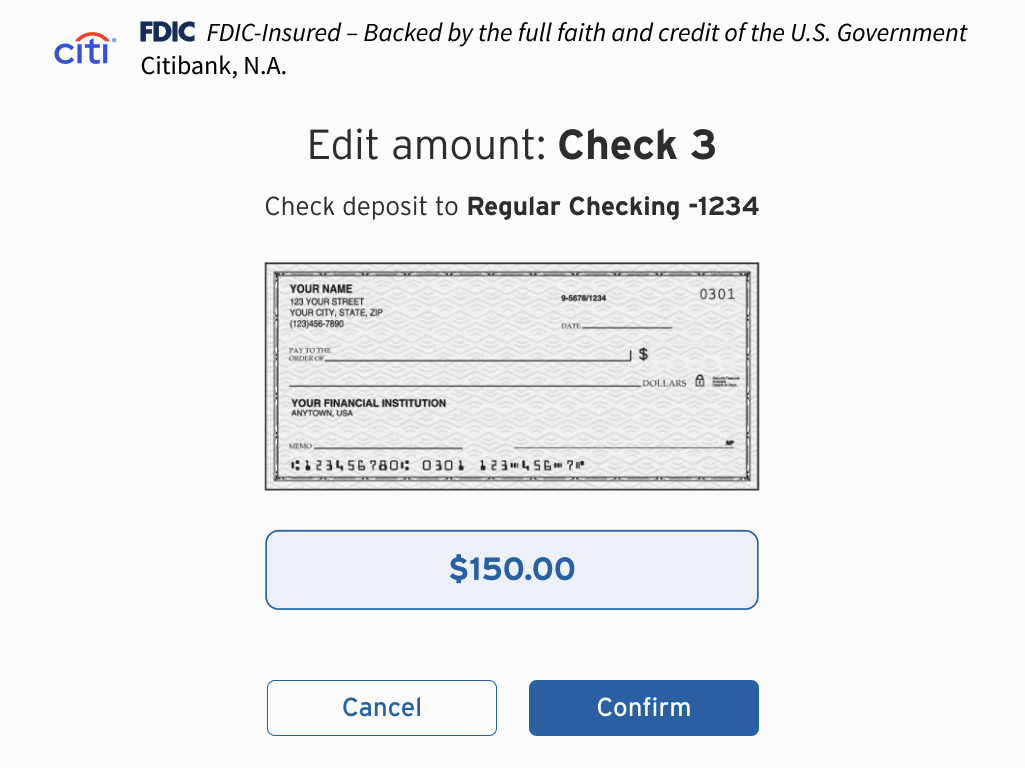
...which is $150, not $750 (sadly).
10 / 15
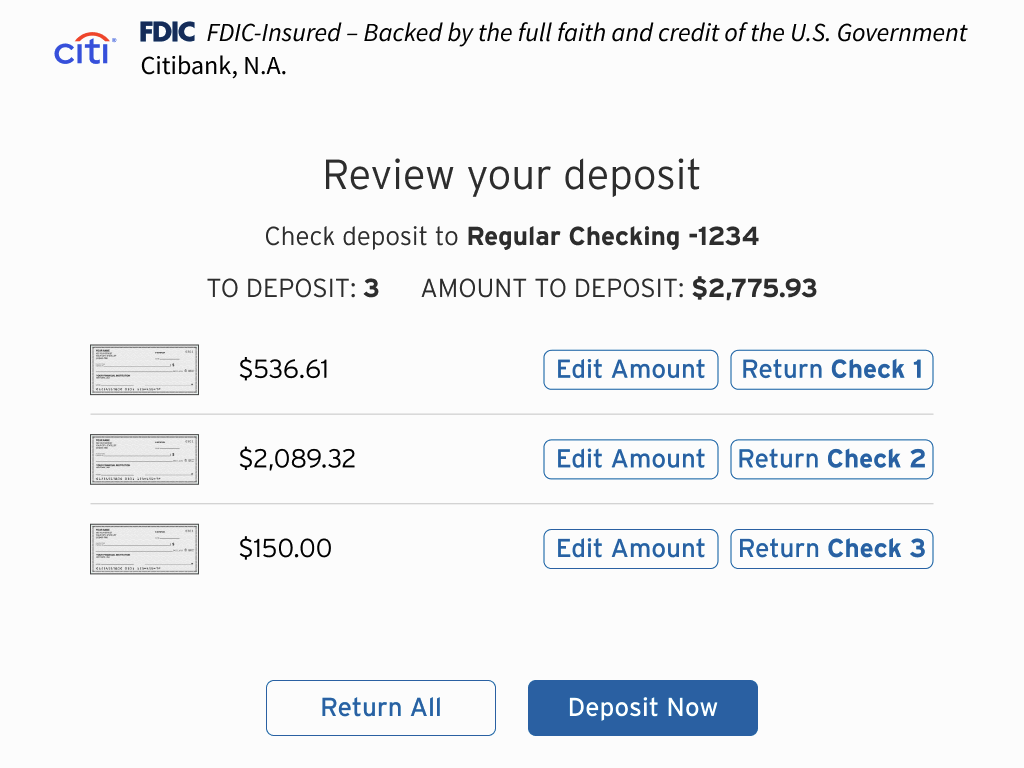
After editing, the "Review your deposit" screen is shown again, this time with the correct information.
11 / 15
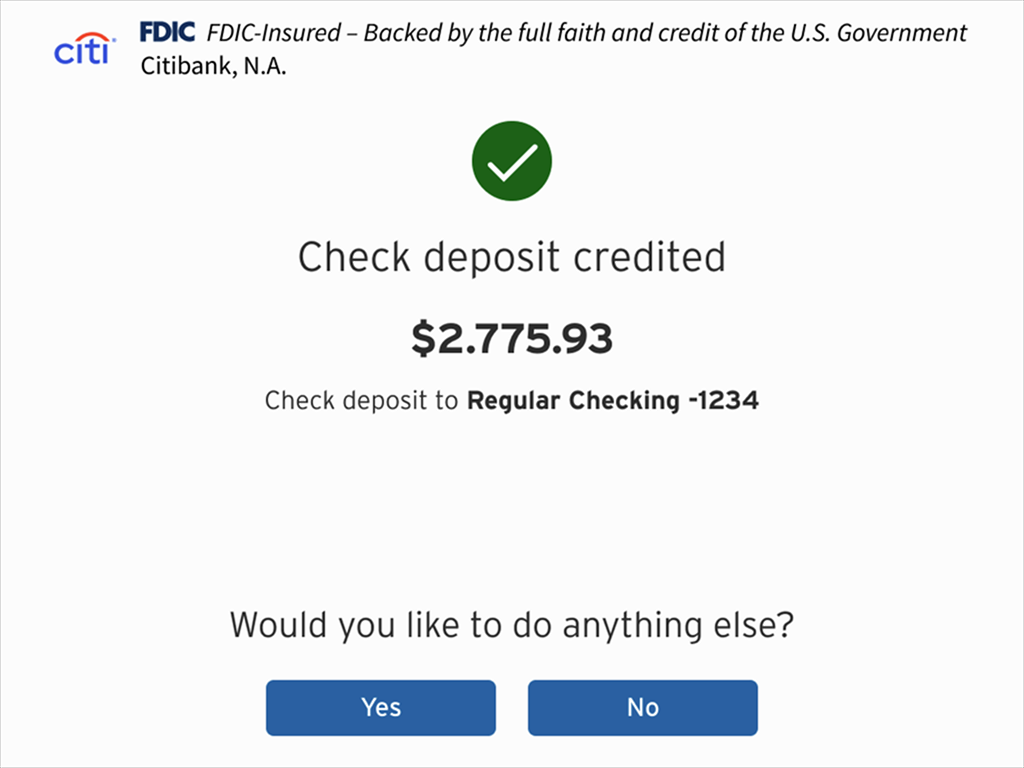
Complete! The copy shows the final deposited amount, confirms the account number, and provides options to continue.
12 / 15
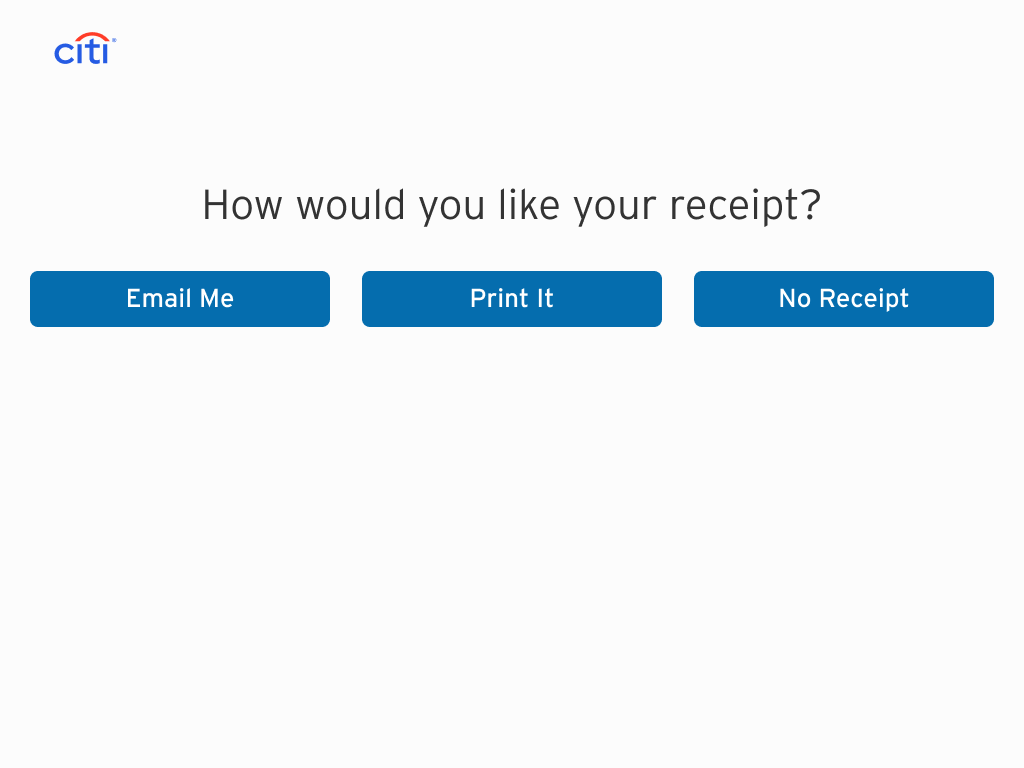
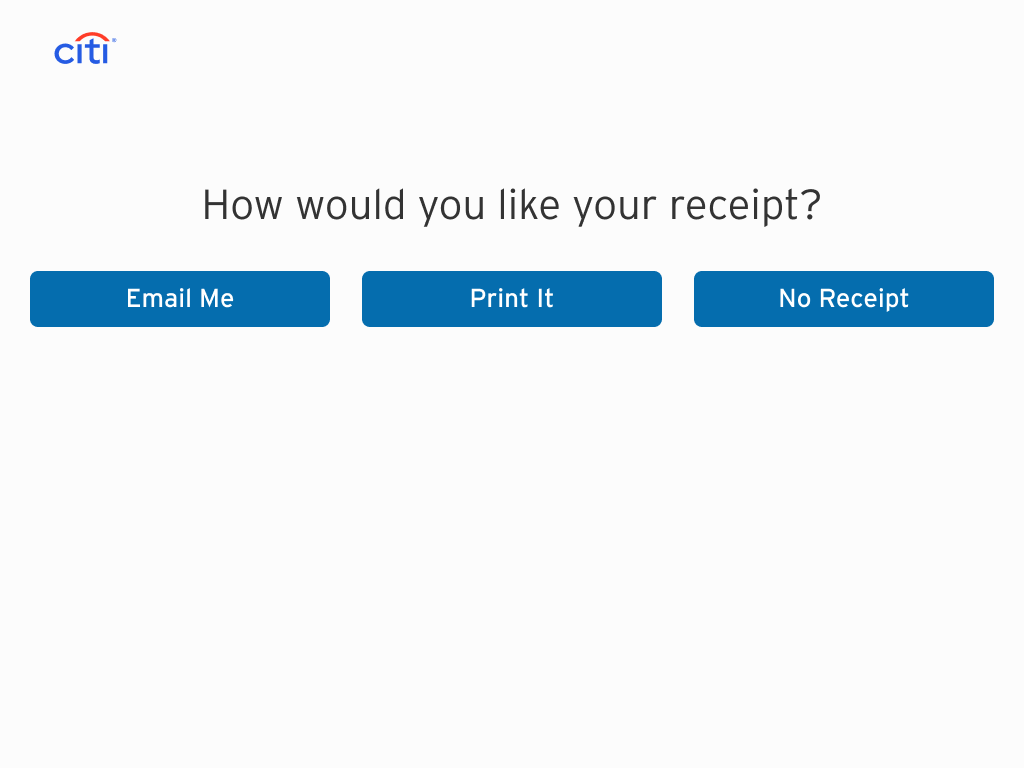
Receipt preferences screen.
13 / 15
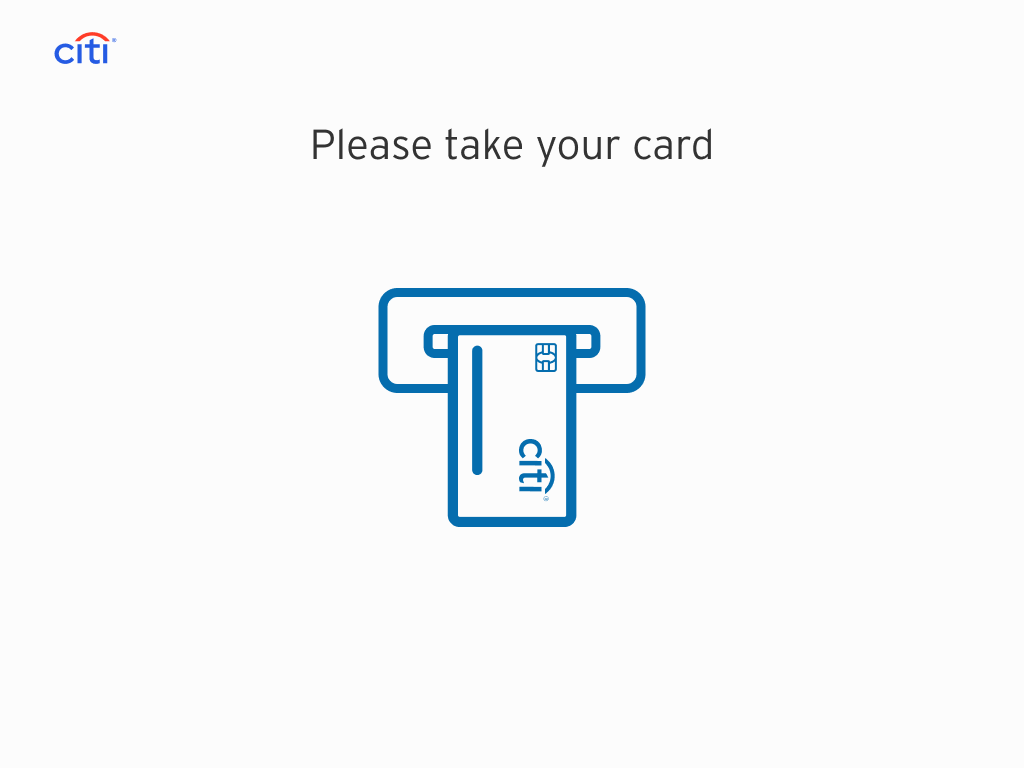
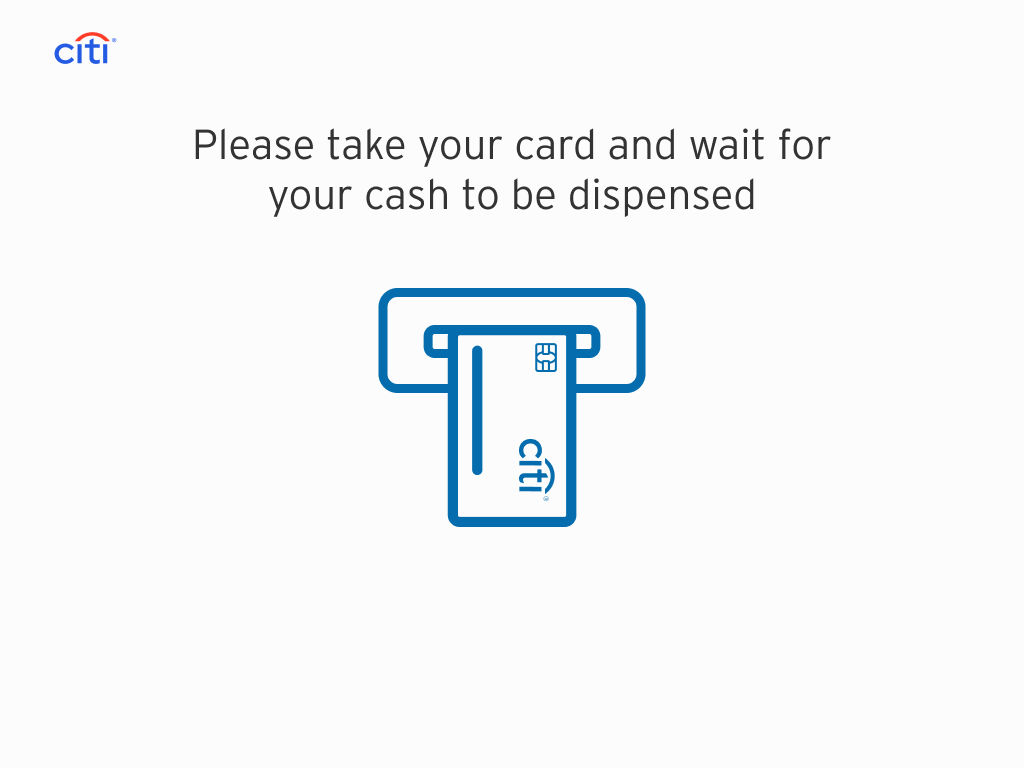
The customer is prompted to take their card.
14 / 15
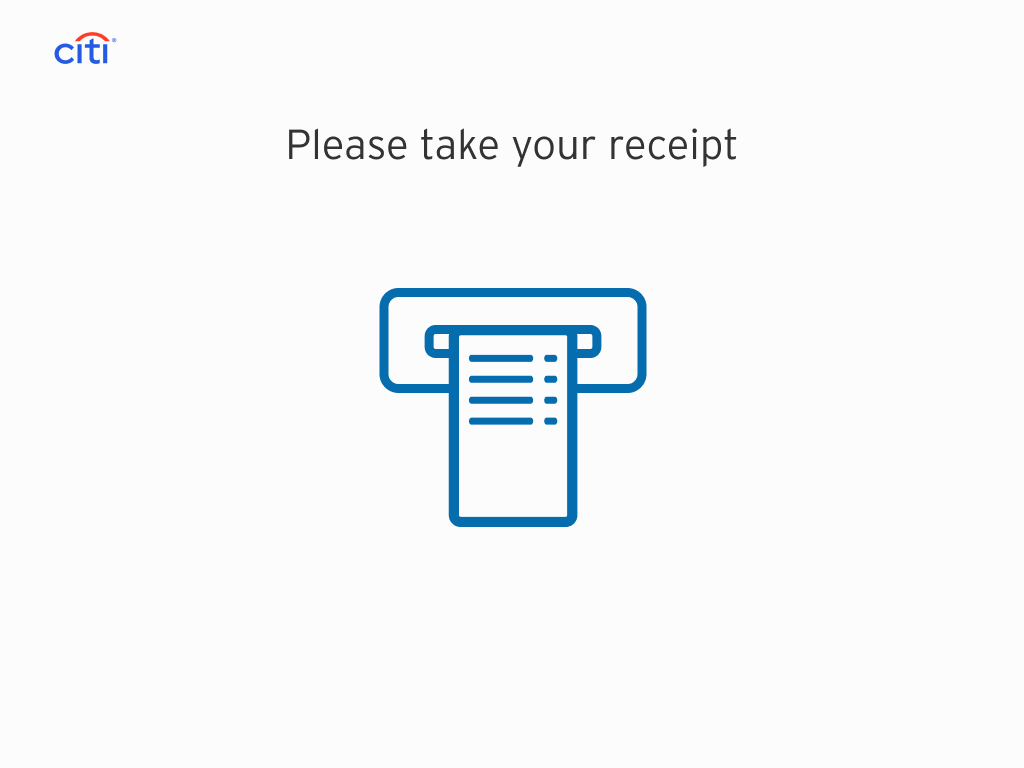
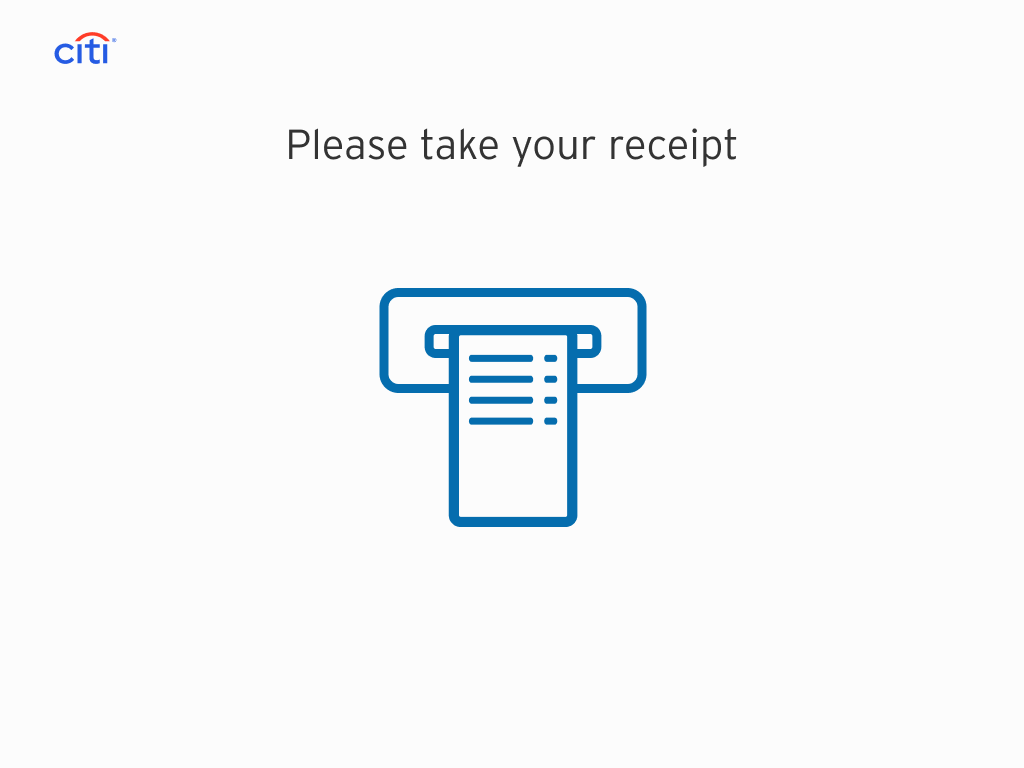
If the customer elected for a receipt, they'll take it here.
15 / 15

Citi happily takes your money and wishes you a wonderful day.